A Telegram tool checklist for teachers
Choose tools for lesson files, voice notes and reminders by the actual teaching workflow.
TG App Market editorial · Updated
Choose one lesson preparation task
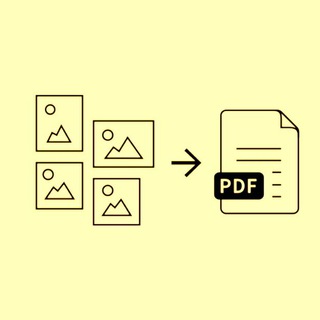
Start with a concrete input and output: compress a lesson PDF, extract text from a scan, transcribe your own voice note or schedule a reminder. These are different tasks. Search for the operation first and check the publisher description rather than assuming an education label covers everything.
Check the classroom constraints
Compare the declared language, file limits, subscription and device or chat compatibility for two or three candidates. An undeclared limit is still unknown. Keep the source and declaration date visible; an available public profile does not confirm that a bot can process your lesson material.
Try an original sample you can inspect
Prepare a short sample with no student records: a page you wrote or a voice note you recorded. Compare page order, characters, figures and the exported format with the original. A successful small file does not establish how the service behaves with a long class recording or scanned textbook.
Keep a repeatable shortlist
Save candidates in your library with a task-specific list name, then compare the results against the same sample. Record the limitations in your own workflow. Share the list only when you choose to; sharing a shortlist does not certify accessibility, educational suitability or the provider’s handling of files.
Explore original publisher descriptions
Matches from catalog text, not endorsements or independent verification of every feature. Results change with public catalog eligibility.