Choose Telegram tools for PDF files
Conversion, OCR, compression and page editing are different jobs. Match the tool to the document.
TG App Market editorial · Updated
Name the operation
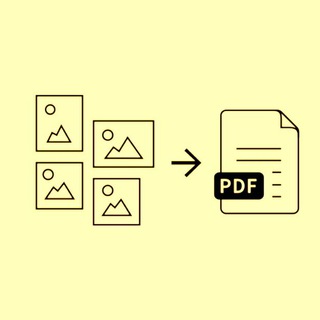
Specify whether you need to merge files, split pages, compress a scan or convert a document. A tool that generates a PDF may not edit an existing one. Use the original source description to check the operation rather than inferring it from a PDF icon.
Distinguish text from scans
A scanned page is an image. Extracting its words requires OCR, while copying text from a normal PDF may not. Check the supported languages and whether the output keeps the layout. Do not assume that a conversion tool includes OCR.
Test quality and file limits
Try a small non-sensitive document. Compare page order, tables, fonts and image quality. Keep a copy of the original before compression. Check the actual size limit and any paid tier inside the service; an absent condition in the catalog means it has not been declared.
Protect the document
Remove personal details from a test file. Review the service privacy information before uploading invoices, IDs or work documents. A working Telegram profile does not confirm how long an external service stores your files.
Explore original publisher descriptions
Matches from catalog text, not endorsements or independent verification of every feature. Results change with public catalog eligibility.